In modern Minecraft PvP, clicking speed (CPS) and decent aim are no longer the only factors that are required to be good at PvP. Whether you are clutching a match in Bedwars, tracking opponents in UHC, competitive Minecraft has evolved into a game of quick decisions and fast reactions. Looking away to check your health, opening your inventory mid-fight, or getting distracted by particles can instantly cost you the match. In this guide, you’ll learn how to use Lunar Client’s built-in mods and settings to eliminate distractions and improve your PvP skills.
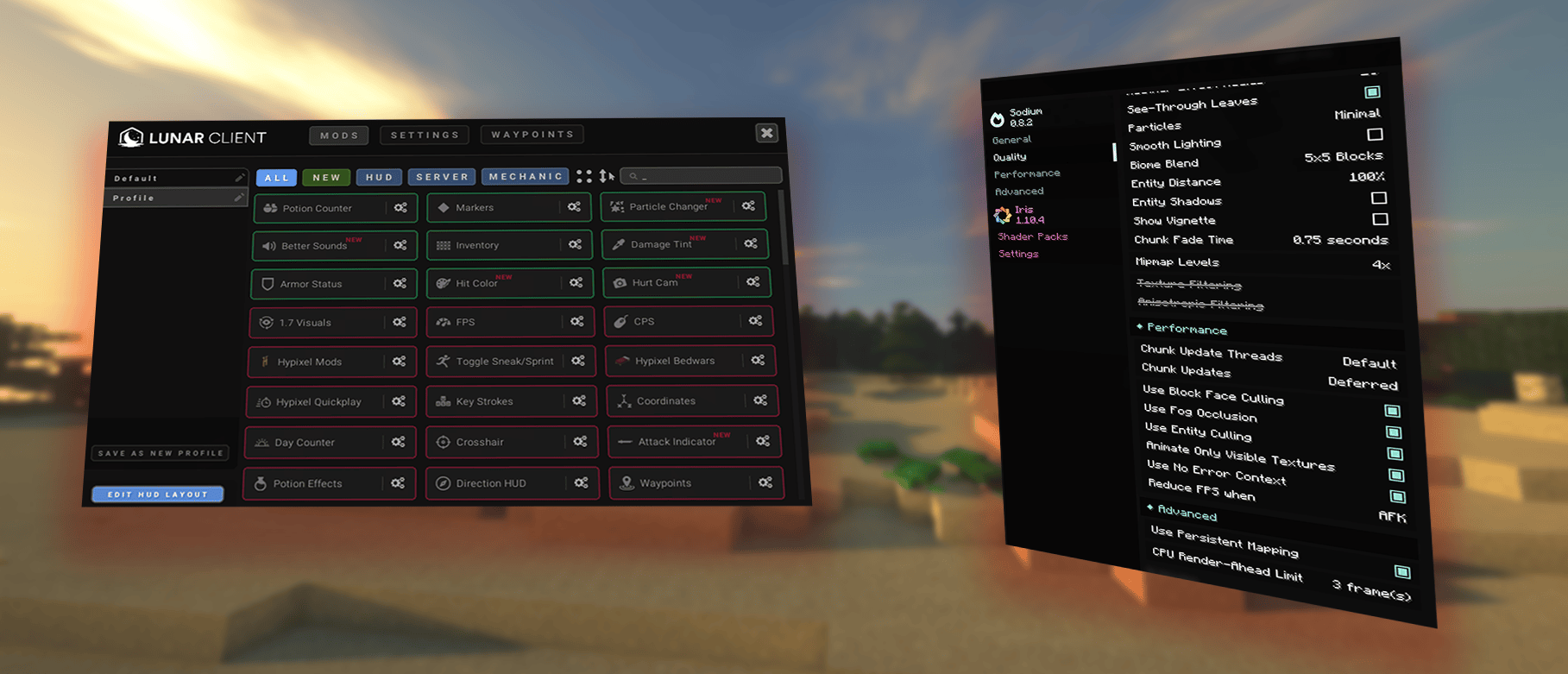
Optimizing Performance Settings
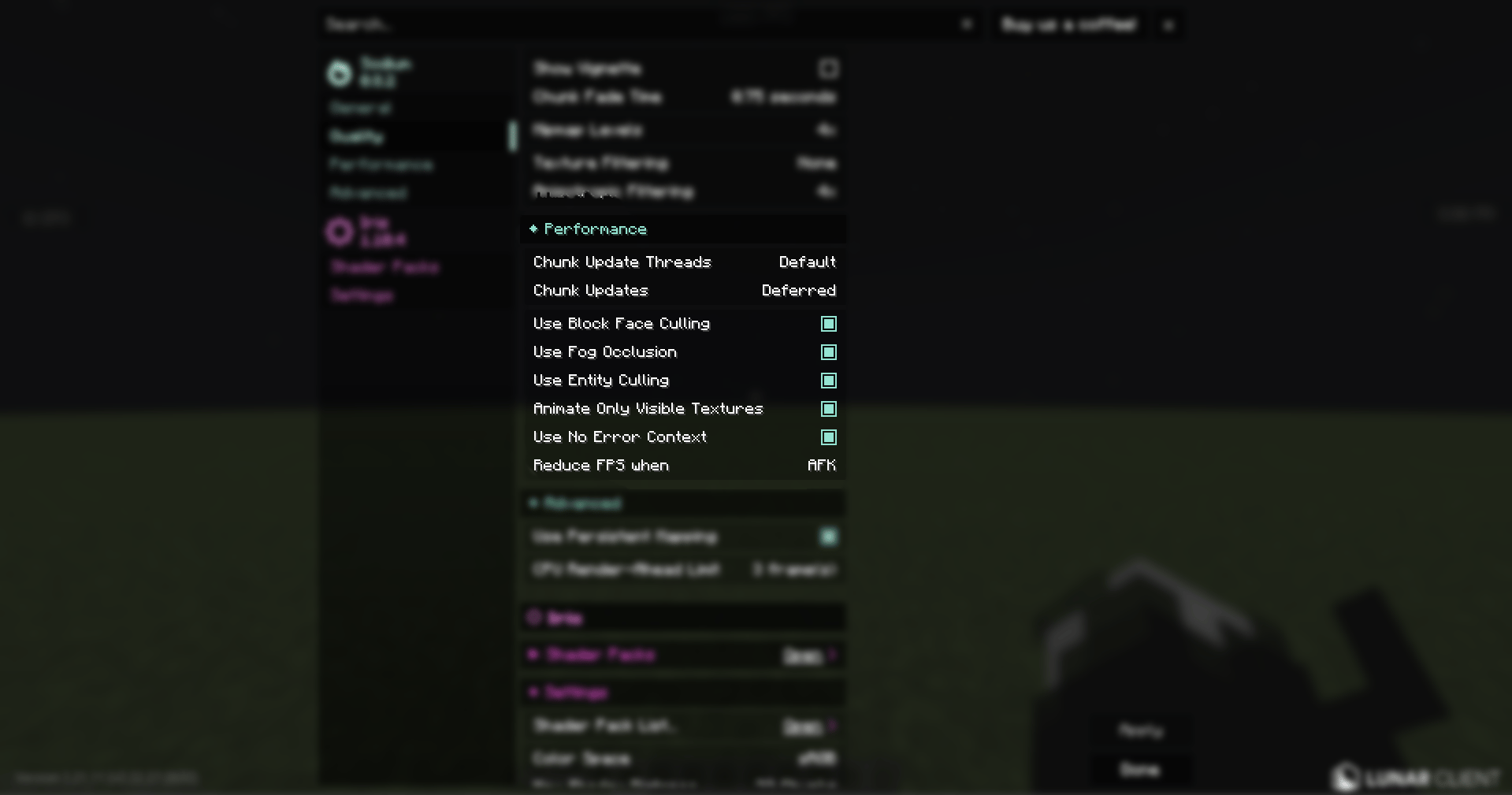
You can have the best aim and good reaction time with quick deciding but if your game stutters, none of them matters. Everything depends on having a high and stable FPS. There are several performance settings we have within Lunar Client settings which will improve your gameplay and increase your FPS. Their fundamental purpose is to relieve the graphics card of unnecessary load so your game runs smoothly:
High Impact Setting
Animate Only Visible Textures: When you enable this setting, only animations within your screen's field of view are processed. If you are using heavy and detailed resource packs (such as 128x, 256x), this feature relieves your system of an immense load, reducing hardware strain and significantly boosting your FPS.
Medium Impact Settings
Block Face Culling: Normally, the game renders every side of a block, even the hidden ones (meaning they are at the back, facing the ground, or attached to another block). This setting processes only the faces looking directly at the camera, saving your system from rendering millions of invisible surfaces.
Entity Culling: It stops rendering entities such as players or dropped items when they are behind walls or obstacles. Especially on crowded Bedwars maps, in UHC, or during moments where large numbers of items drop to the ground, it prevents sudden FPS drops and stuttering by avoiding the unnecessary processing.
Fog Occlusion: This setting stops rendering areas or chunks that are completely hidden behind intense fog. By preventing the graphics card from rendering parts that are already invisible due to the fog, it avoids unnecessary performance loss (or FPS drops).
Low Impact Setting
No Error Context: This setting disables background OpenGL error checking. While it makes debugging harder if the game crashes, it provides a small but effective performance boost.
Minimizing Distractions and Maximizing PvP Focus
We’ve covered the performance settings, but is that enough? No! Performance settings alone won’t make you better at PvP. Staying focused is key. Taking your eyes off the crosshair to check your hearts or opening your inventory mid-fight gives your opponent free hits and can cost you the fight.
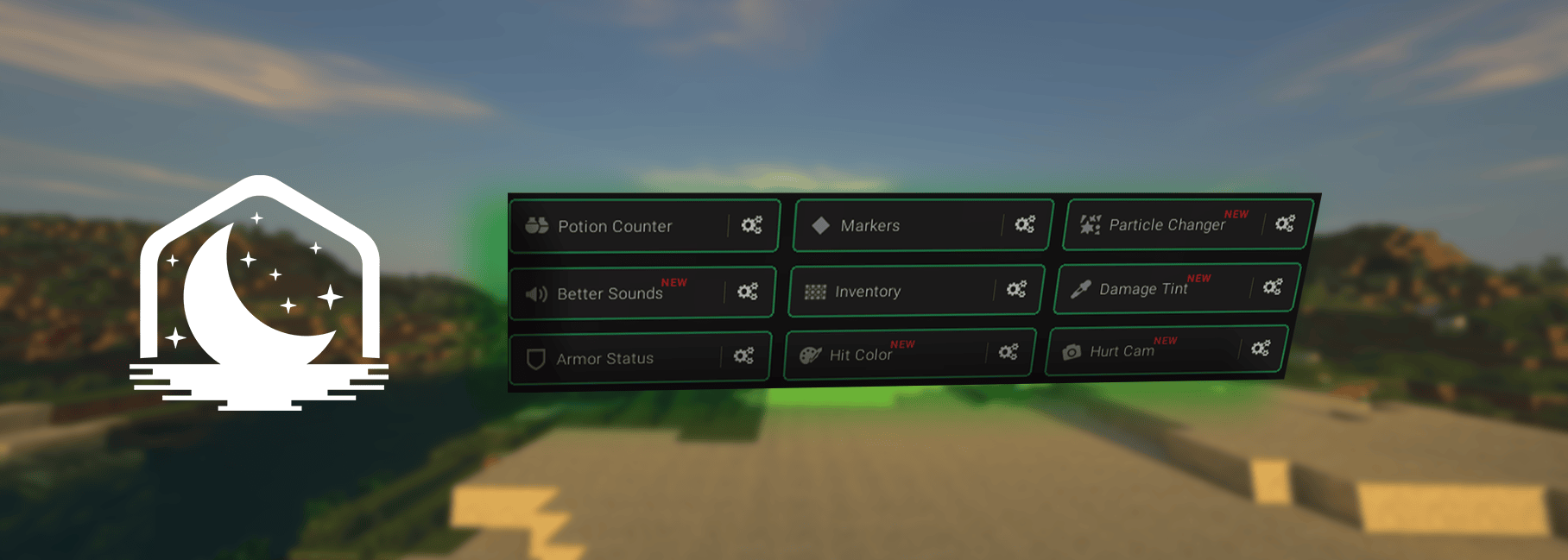
That’s where Lunar Client’s mods come in. They remove unnecessary effects and sounds while putting the information you need directly on your screen. Here are our recommended mods to minimize distractions and help you in fights:
Damage Tint
Looking away from your crosshair to check your health can be a fatal mistake in explosive gamemodes like Crystal PvP. The Damage Tint mod solves this by adding a customizable red vignette around the edges of your screen as your health decreases. This way, you can know how much health you have left without looking down at your hearts, keeping your eyes locked on the enemy.
Hurt Cam
When you take damage in vanilla Minecraft, your screen shakes. This can easily mess up your aim during a fight. The Hurt Cam mod allows you to reduce or completely disable this screen shaking. By keeping your camera steady, you can track your opponent perfectly and maintain your combos even when you are taking hits.
Hit Color
Seeing your hits clearly is a big deal in PvP. The Hit Color mod allows you to change the standard red damage color to anything you like. If you prefer playing with particles turned off to reduce visual clutter, this mod provides a clean way to confirm every successful hit. This helps you track your hits easily and keep your combos going.
Inventory Mod
Opening your inventory during a fight blocks your vision and leaves you vulnerable. For example, in explosive gamemodes like Crystal PvP, pressing 'E' just to check if you have backup totems or crystals can get you killed instantly. The Inventory mod makes it much easier to manage your items. You can enable the Inventory HUD to see your items directly on your screen without even pressing 'E'. Additionally, features like Slot Locking prevent you from accidentally dropping your weapon or messing up your hotbar in the middle of an intense fight.
Armor Status
In vanilla Minecraft, you have to open your inventory just to check your armor's durability. For example, in long-lasting gamemodes like UHC and Axe, where fights can last for a while, not noticing that your gear is about to break can cost you the match. The Armor Status mod fixes this by showing your equipped armor and its exact durability directly on your screen. This lets you know exactly when your gear is about to break so you can play it safe, all without opening a single menu.
Potion Counter
During intense fights, knowing how many potions (or soups) you have left can save your life. Normally, you would have to open your inventory to count your remaining items. The Potion Counter mod shows the exact number of healing potions (or soups) you have right on your screen. This lets you know exactly when you are running low on heals, without ever opening a menu.
Particle Changer
Huge particle effects from critical hits or potions can easily block your vision during a fight. The Particle Changer mod allows you to reduce, customize, or completely disable these distracting effects. By keeping your screen clear of unnecessary visual clutter, you can track your opponent's movements much easier.
Better Sounds
Loud and annoying sounds, like rain or explosions, can easily distract you during a fight. The Better Sounds mod lets you mute or lower specific noises in the game. This helps you focus on important sounds, like enemy footsteps or block breaking, without background noise getting in the way.
Markers
In team games, it is easy to lose track of your teammates during a chaotic fight. The Markers mod puts clear visual indicators above your friends or team members. This makes it very easy to spot your team from a distance, helping you coordinate and fight together without confusion.
The Perfect Final Setup
Winning in PvP takes more than just good aim and high FPS; you need total focus. These Lunar Client mods remove all the distractions that make you lose fights and the performance settings will boost your FPS for smoother gameplay. Clear your HUD, keep your eyes on your crosshair, and start beating your opponents. Jump into a match and test your new setup!
If you have any questions or are experiencing issues with your client, create a ticket on our Support Website or join the Lunar Client Discord server! If you are unsure of how to create a ticket, please view the Lunar Client Support Guide.
