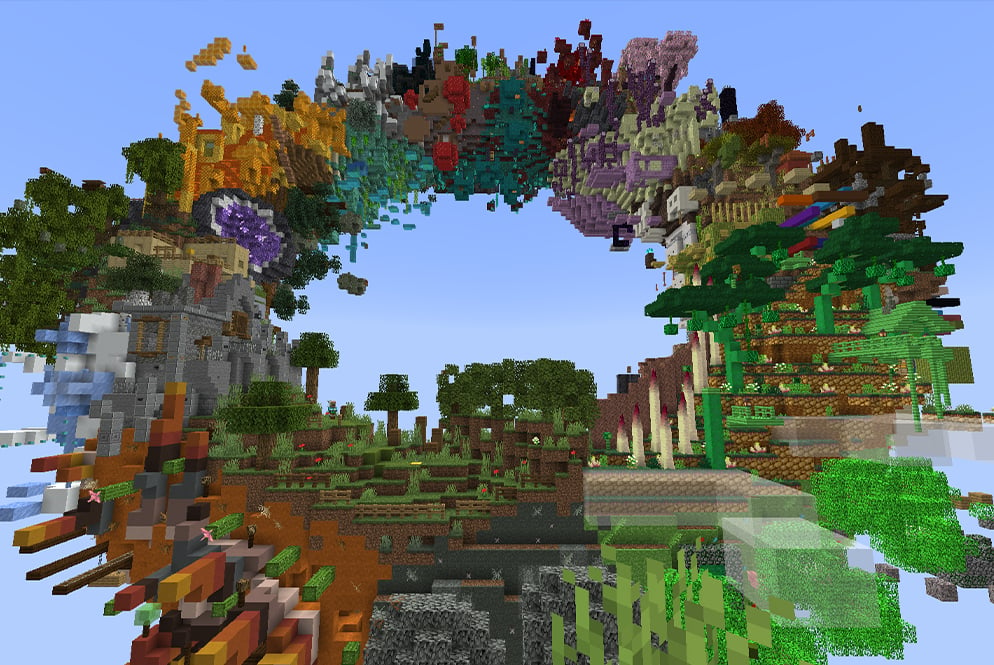
Are you looking to spice up your Hosted Worlds and impress all your friends? We’ve got you covered. Whether you want to explore a unique story telling adventure, compete against your friends in silly minigames, or test your brain power with intricate puzzles, our list will surely have you entertained for hours.
What is Lunar Client Hosted Worlds?
Lunar Client Hosted Worlds is a free and easy way to allow your friends to join your Minecraft world. This means you don’t need to download any third party software or applications, or go through the hassle of setting up a server. And better yet, your friends on Minecraft: Bedrock Edition can also join in on the fun!
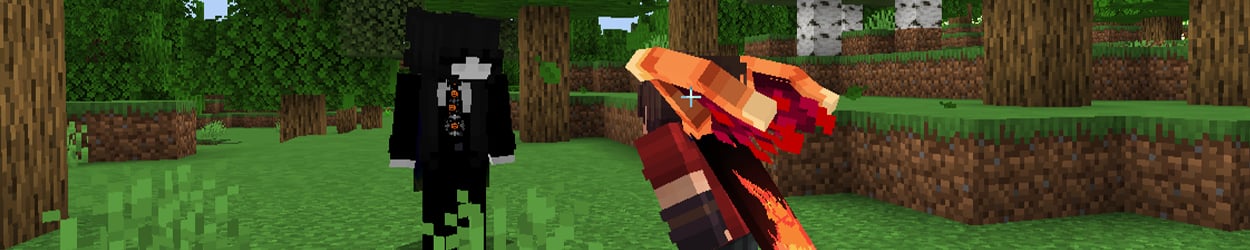
What type of Minecraft Maps can I play on Hosted Worlds?
Lunar Client Hosted Worlds does not have any limitations on the kind of maps you can host. Simply look for and download a Minecraft map of any kind, boot up the corresponding version on Lunar Client, and head straight into the fun. Some of our favorite genres of maps are:
Adventure/Story Maps
Minigames
Parkour Maps
Puzzle Maps
Even when selecting a genre, the types of maps you can find will still vary immensely and there will be tons of different options to choose from. For example, you can find Puzzle Maps containing games like: Find The Button, Escape Rooms, Trivia/Riddles and more.
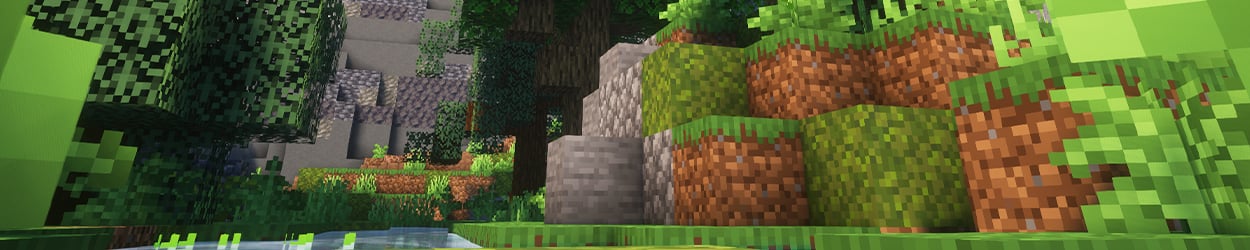
Best Minecraft Maps to Play with Your Friends
Not sure what Minecraft Map specifically to start hosting on Lunar Client? Fear not! We’ve put together a list of the most fun-packed and entertaining maps we could find, which we guarantee will keep you occupied for hours.
Some maps will require a custom Resource Pack that both you and any friends joining will need to equip. Sometimes the Resource Pack will be found inside the map’s files itself, as a resources.zip file. Simply take the resources.zip file and place it into your Resource Packs folder and you’ll be good to go!
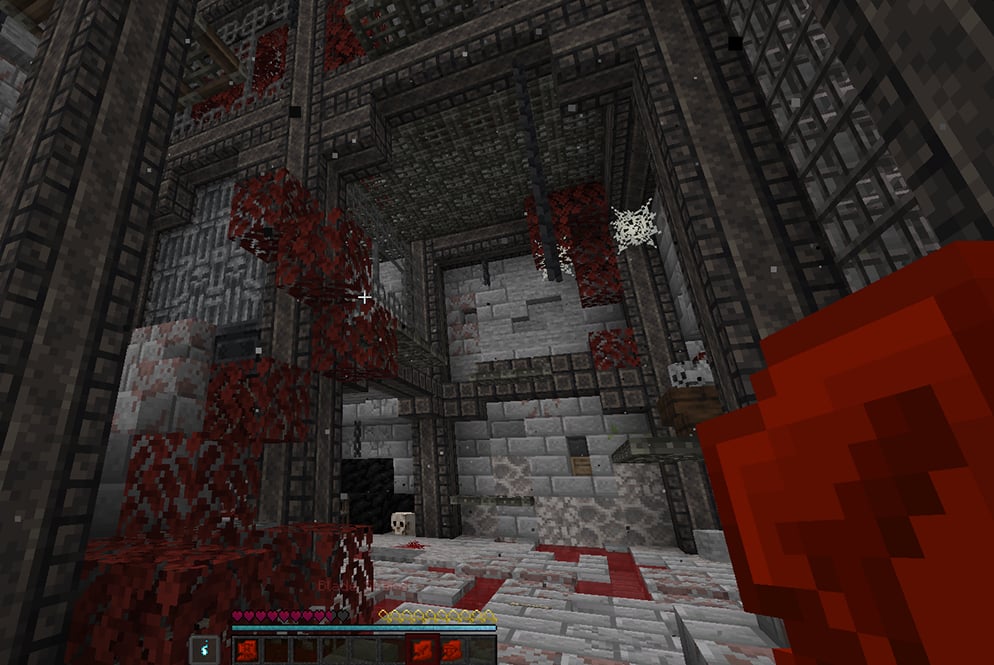
Puzzle Map: “VEINBOUND”
This Puzzle Map will challenge you and a friend’s brain power and Minecraft skills by making you work closely together. From finding items and beating parkour jumps, to unlocking the next part of the story. This Minecraft map utilizes a custom texture pack which will make the experience 10x better and feel more immersive. For horror fans, we highly recommend playing this Minecraft map to experience some cinematic--and scary--gameplay.
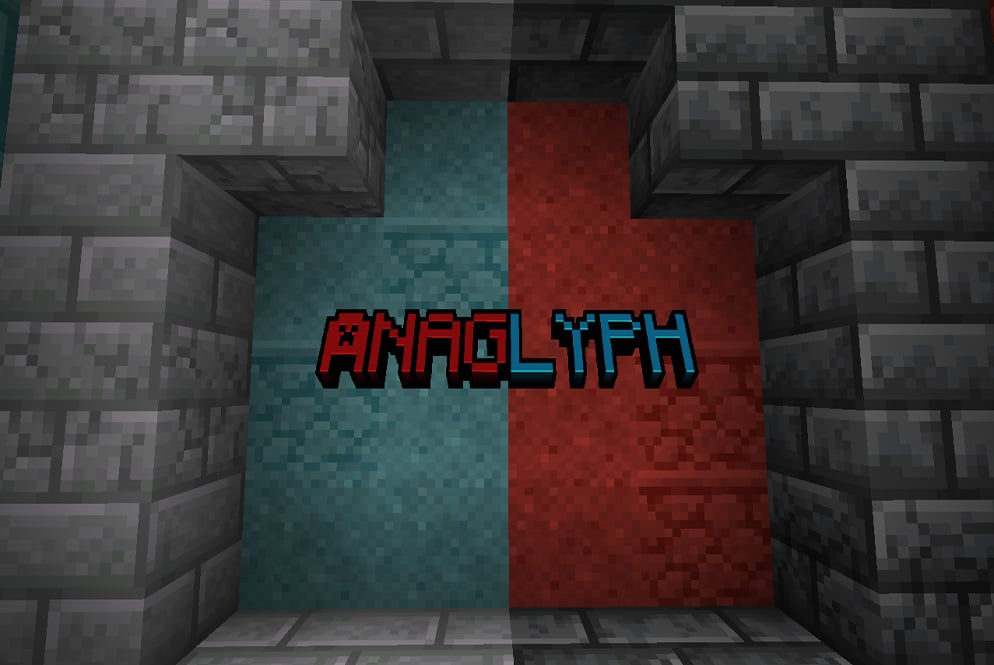
Adventure Map: “Anaglyph”
You and your friend delve deep into the two-colored ruins to uncover Minecraft’s most legendary artifact. This co-op adventure map will test the limits of your friendship, forcing teamwork and communication. This Minecraft map also utilizes a resourcepack so we recommend downloading the resource pack before playing.
Parkour Map: “Block by Block”
If you’re someone that likes unexpected challenges thrown at you, then this Minecraft Parkour map is for you. Block by Block is parkour map designed for more than one player. Within this map, your attentiveness will be tested.You'll also be able to find hidden easter eggs and experience surprising effects that make the gameplay feel more dynamic and exciting. As you progress the map, the difficulty gradually increases so stay on your toes!
Adding Proximity Voice Chat
Did you know that Lunar Client Hosted Worlds supports proximity voice chat? Now those scary maps you’ve planned to Host and play with your friend just got a whole lot more exciting…
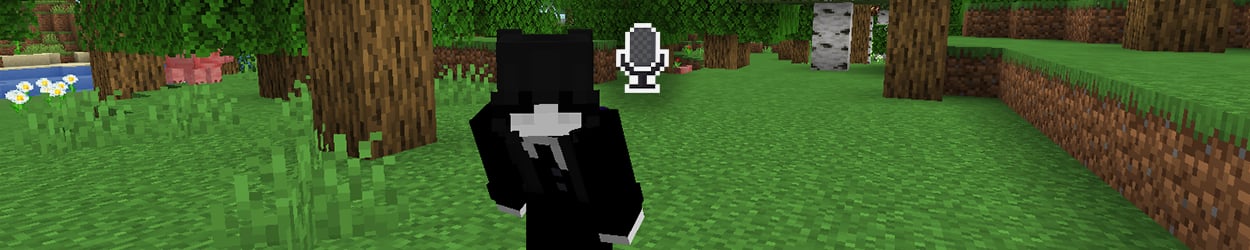
To get started with adding Proximity Voice chat, you and your friends willneed to download and install the Simple Voice Chat third party Fabric mod to your Lunar Client. Make sure you’re both installing the correct version of the mod for your Minecraft version, and you’ll be able to talk with each other in-game on your Hosted World!
How can my friends join my Hosted World?
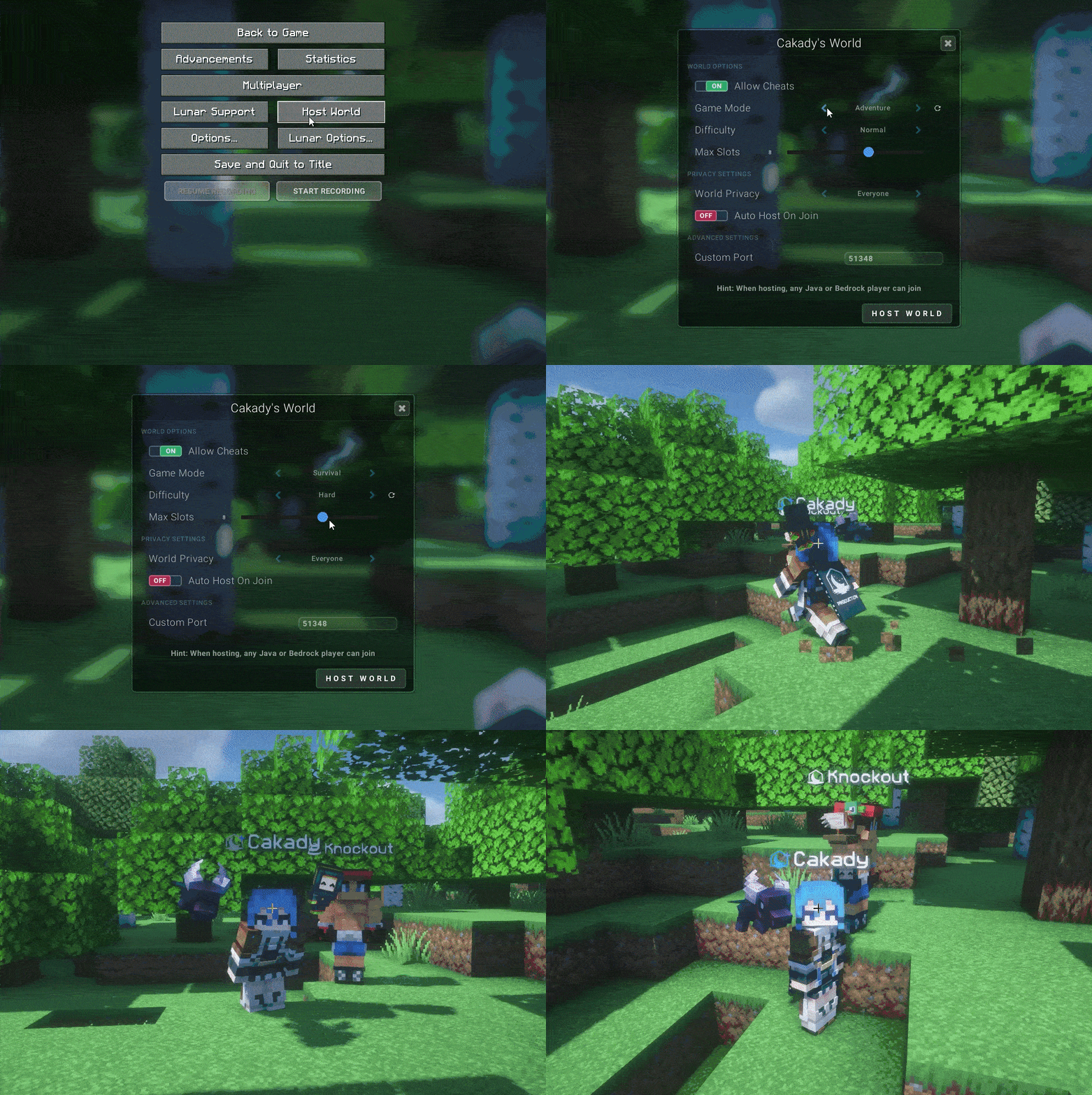
To start hosting your own Minecraft server, simply join the Minecraft world you wish to play on with your friends. Then press the ESC key and click on “Host World”. After altering the settings to your liking, make sure the privacy settings are set to “Everyone”. This will allow those on Bedrock Edition and those outside of Lunar Client to join. Once that’s done, click “Host World” and you’re ready to go. With the user-interface being simple to use, players can create their own server with just a few clicks, no added mods needed. Players can join your Hosted World with the IP address that gets shown to the host via in-game chat. Simply share the IP address with your friends, with the Bedrock port: 19132.
If you have any questions or are experiencing issues with your client, create a ticket on our Support Website or join the Lunar Client Discord server! If you are unsure of how to create a ticket, please view the Lunar Client Support Guide.
